
In 2000, psychologists Sheena Iyengar and Mark Lepper set up a jam tasting table at a grocery store. Some days they offered 24 varieties. Other days, just 6. The table with 24 jams attracted more browsers — but shoppers were significantly less likely to actually buy anything.
That finding, published in the Journal of Personality and Social Psychology, has held up across two decades of consumer and behavioral research. More options don’t lead to better decisions. They lead to paralysis.
Now think about your productivity app. The one with the Kanban boards, habit trackers, recurring tasks, custom tags, color-coded priorities, weekly reviews, and the integration with four other services you also never fully set up.
When did it last help you actually sit down and focus?
The feature trap: how “more” quietly destroys follow-through
Productivity software has a growth problem. Every update adds something. Notion gets more blocks. Todoist gets filters and goals. Asana gets timelines and portfolios. These features make sense from a product roadmap perspective — each one satisfies a vocal user segment, gets a changelog mention, justifies the subscription price.
But they create a compounding burden for the person who just needs to get something done.
Mobile app analytics tell the story clearly. Complex productivity apps show lower retention rates than single-purpose task tools. That difference tracks with what we know about behavior design: the more friction between a person and a desired action, the less likely they are to take it.
This isn’t a willpower problem. It’s a design problem.
What cognitive load actually costs you
Cognitive load theory, developed by educational psychologist John Sweller in the late 1980s and refined extensively since, describes the mental effort required to process information. Working memory is finite. Every irrelevant element in your environment draws from the same limited pool.
A dashboard with 12 visible options, three unread notification badges, a sidebar full of projects, and a floating action button menu doesn’t feel productive. It feels exhausting. Because it is.
Adele Diamond’s landmark 2013 review of executive functions, published in the Annual Review of Psychology, is direct about this: individuals with executive dysfunction — including ADHD — are especially sensitive to extraneous cognitive load. Every UI element is a small tax on the attention system. In a brain that already struggles to filter irrelevant stimuli, that tax compounds fast.
Roy Baumeister’s research on decision fatigue describes how each decision — even a micro-decision like “which project should I log this under?” — draws on the same executive resources you need to do the actual work. Bury enough of those small decisions into your tooling, and you arrive at the task already depleted.
ADHD and the specific cost of interface complexity
ADHD affects approximately 4.4% of adults in the US — around 10.9 million people, many of them undiagnosed or unmedicated. For this population, interface complexity isn’t just annoying. It’s clinically relevant.
Research in ADHD and cognitive load has found that ADHD brains show heightened sensitivity to extraneous cognitive load, with multitasking interfaces potentially worsening executive dysfunction. The mechanism makes sense: ADHD involves dysregulation of dopamine and norepinephrine pathways that govern attention filtering and working memory. When an app demands you hold multiple competing priorities in mind simultaneously — what’s due, what’s tagged, what’s in which list — it’s directly taxing the system that’s already underperforming.
There’s also an avoidance loop that complex apps quietly enable. When the tool feels overwhelming, you engage with the tool instead of the work. Reorganizing your task list, tweaking your labels, building a new template — these feel productive. They aren’t. Researchers call this “structured procrastination,” and a feature-rich interface is the perfect environment for it.
If you’ve spent 45 minutes setting up a productivity system and done zero actual work, the app didn’t fail you. The design failed you.
What single-purpose tools do differently
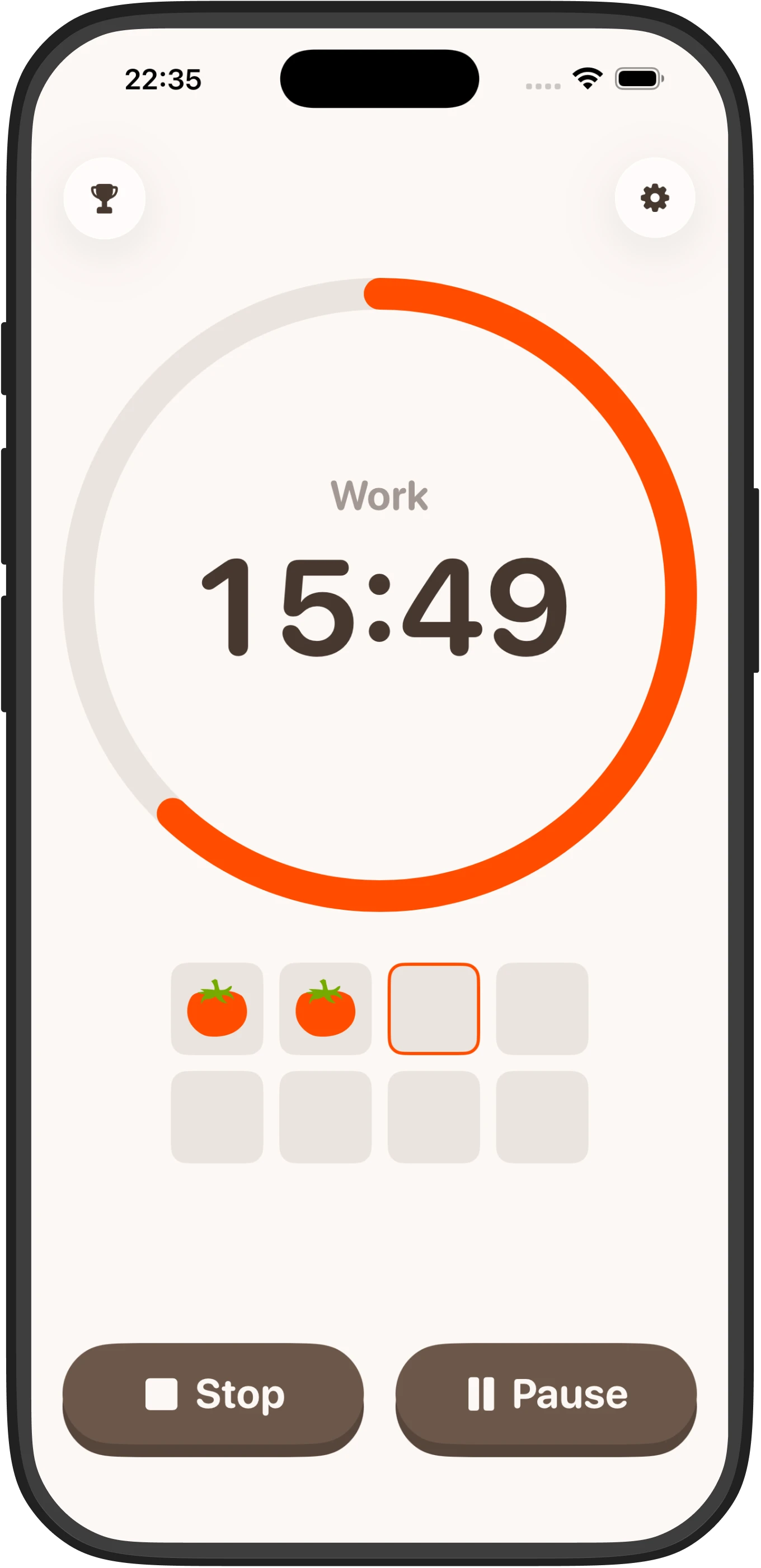
A minimal focus timer does one thing: it tells you that right now, for the next 25 minutes (or 15, or whatever you’ve set), you are working. That’s it.
No inbox to triage. No project to categorize. No decision about whether this task is high priority or medium priority. You press start. You work. The timer ends. You rest.
This maps directly onto what cognitive science recommends for people with attention regulation difficulties. The Pomodoro Technique works precisely because it externalizes the time boundary — it removes the internal demand to self-regulate time perception, which is one of the documented challenges in ADHD.
Implementation matters too. Research on behavior design consistently shows that reducing “friction to first use” is one of the most powerful levers for habit formation. An app that requires an account, onboarding tutorial, and project setup before you can start a timer has already lost many ADHD users. They’ve opened it, felt overwhelmed, and switched to something else — or nothing.
The counterargument: when features actually help
This piece would be intellectually dishonest without acknowledging where complexity earns its place.
If you’re managing a team, coordinating across time zones, tracking dependencies between deliverables, and reporting upward on project status — you need a feature-rich tool. Asana and Linear and Notion exist for good reasons. The features that overwhelm an individual contributor are often essential for a project lead.
Even for individual work, some people genuinely benefit from structured systems. A detailed task hierarchy with contexts and due dates and recurring reviews can be powerful — if you actually maintain it consistently, which requires habits that complex apps often fail to support.
The honest question isn’t “which tool is objectively better?” It’s “which tool matches the actual cognitive demands of the task and the person using it?”
For focused work — the sit-down-and-make-progress part of your day — minimal almost always wins. For planning and coordination, complexity may be warranted. The mistake is using your planning tool for focus work, and vice versa. They’re different jobs.
The retention data makes the design argument
If features drove productivity, you’d expect the most feature-rich apps to have the highest engagement. The opposite is true.
Simple, single-purpose tools consistently show better retention rates than complex productivity apps. The simplest interpretation: people keep using tools that are easy to use. They abandon tools that require ongoing management.
Cal Newport’s argument in Digital Minimalism — that restricted tool ecosystems lead to better sustained attention — is supported by research in attention and digital environments. Fewer tools and less context-switching generally correlate with better focus on primary tasks.
There’s also a deeper point here about identity and behavior. Complex productivity apps often market themselves as systems — as ways of becoming a more organized version of yourself. That’s aspirational, and aspirational marketing is effective. But you’re not buying a system. You’re buying a tool that either fits your actual workflow or doesn’t.
FAQ
Is a focus timer really better than a full productivity app?
For focused work sessions, yes — a minimal timer reduces cognitive load and removes the distraction of app management. Full apps work better for team coordination and complex project planning, so the answer depends on your actual use case.
Why do people with ADHD struggle more with complex productivity apps?
ADHD involves dysregulation of attention-filtering systems, so every UI element and decision point (which project to use, which tag to apply) taxes an already-overloaded working memory, leading to avoidance and procrastination instead of action.
What does the research say about choice overload and productivity?
Studies going back to Iyengar and Lepper’s jam experiment show that more options lead to decision paralysis, not better outcomes. This applies directly to productivity software — more features increase friction and reduce follow-through.
Can I use a complex app if I organize it well?
Some people do maintain complex systems successfully, but it requires consistent habits that complex apps themselves often fail to support. The real question is whether you’re actually using it for work or spending time managing the tool instead.
What’s the difference between a planning tool and a focus tool?
Planning tools need features for hierarchy, dates, and dependencies. Focus tools need simplicity and speed to remove barriers to starting. Using your planning app during focus time, or expecting a focus timer to handle project coordination, creates mismatch and friction.