
You’ve decided to try the Pomodoro Technique. Good call. Now you open the App Store, search “pomodoro timer,” and get 40 results. Some look like NASA dashboards. Some look like they were made in 2009. A few cost money. Most promise they’ll “transform your productivity.”
For a neurotypical person, picking one is mildly annoying. For an ADHD brain, it’s a genuine trap — you spend 45 minutes comparing apps, read seventeen reviews, download four, fiddle with settings, and never actually start the work you sat down to do.
This article cuts through that. Here’s an honest breakdown of what actually matters in a Pomodoro timer if you have ADHD, and why the most important feature is often the one that’s missing.
Why the Timer Itself Is Medicine for ADHD
Before getting into apps, it’s worth understanding why external timing tools work so well for ADHD brains specifically.
Research has shown that ADHD adults experience difficulties with time perception compared to neurotypical controls. Left to their own devices, someone with ADHD might feel like 10 minutes have passed when it’s actually been 47.
External timers compensate directly for this. Studies have found that using external timing cues improves task completion rates. The timer becomes a prosthetic clock, and that’s not a metaphor — it’s a functional replacement for a cognitive system that’s running unreliably.
ADHD individuals also show deficits in working memory. External structure — like a visible countdown — reduces cognitive load. You’re not just getting reminded that time exists. You’re literally freeing up mental bandwidth.
This is why the Pomodoro Technique isn’t just “take breaks.” For ADHD, it’s a structured workaround for time blindness, working memory deficits, and poor task persistence.
The Core Feature That Matters Most: Visibility
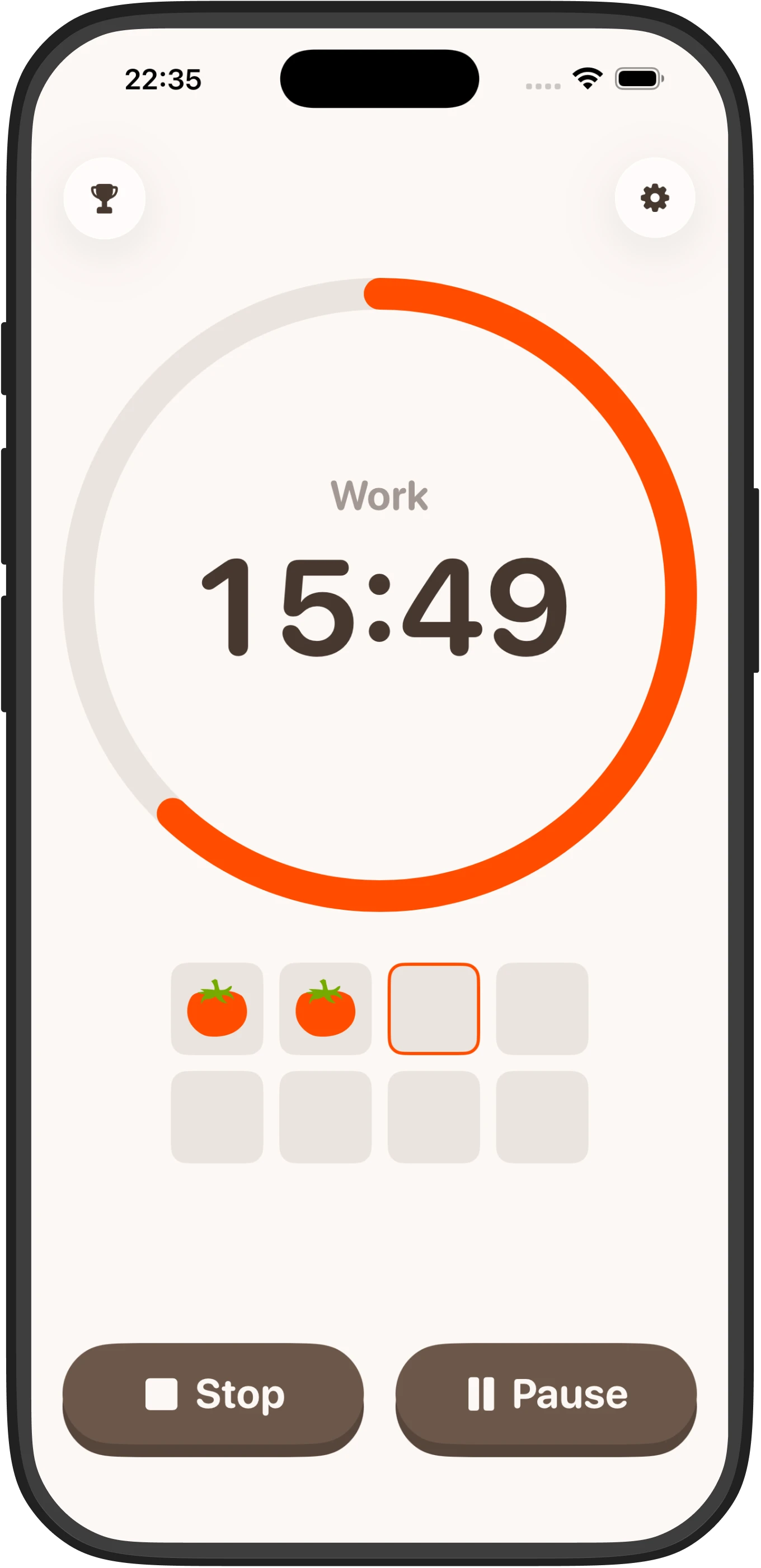
The most important thing a Pomodoro timer can do for an ADHD brain is show you where you are in time, visually, without any effort on your part.
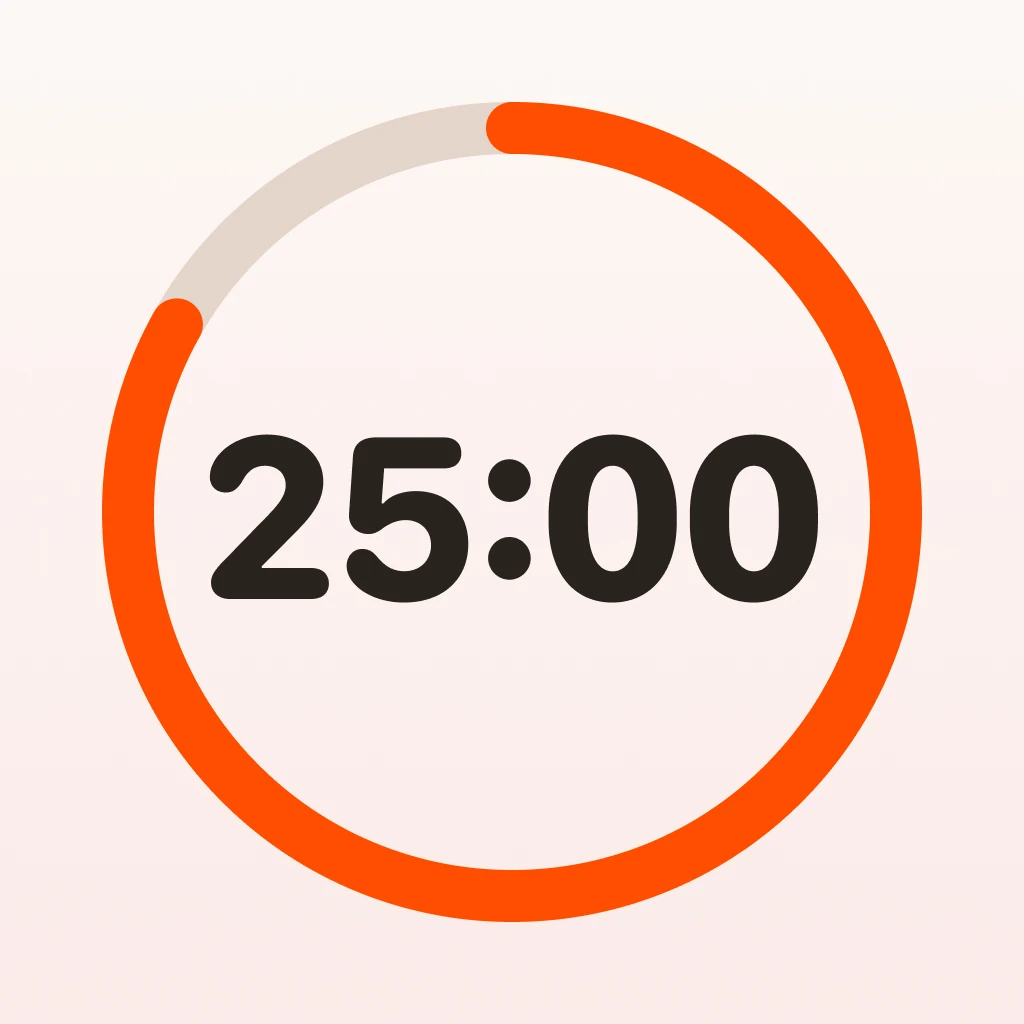
Research has shown that real-time progress indicators improve task persistence in ADHD compared to hidden timers. A progress ring. A countdown you can glance at without breaking flow.
If you have to mentally calculate “okay the timer started at 25 minutes and now it says 14:37 so that means I’m almost halfway,” you’ve already lost. The visual cue should be instant and effortless.
Most minimal timers do this well. Most feature-rich ones do it adequately. Where they differ is in everything around it.
What Feature-Rich Apps Get Wrong
Feature-rich Pomodoro apps tend to include: detailed session logs, productivity charts, project tagging, task lists, team sync, badges, streak systems, sound libraries, customizable break schedules, integrations with Notion or Todoist, and subscription pricing.
Some of these things are useful for neurotypical productivity nerds. For ADHD brains, research suggests they can be counterproductive.
Studies of ADHD users interacting with minimal versus complex interfaces suggest that minimal-UI apps improve focus duration, while feature-rich interfaces can increase distraction and cognitive load. The research in this area is limited, but the direction is consistent with what we know about executive function and cognitive load.
Here’s what happens in practice. You open a feature-rich app to start a 25-minute session. But first: what project should this go under? Should you enable the ambient sound? Did you check your stats from yesterday? What’s your weekly average? Oh, the settings menu has a new “flow mode” — what does that do?
Thirty minutes later, you haven’t started.
This is sometimes called “productive procrastination” — the feeling of doing something productivity-related instead of actual work. Complex apps are exceptionally good at enabling it.
And then there’s notification overload. Research has found that excessive alerts can reduce focus in ADHD populations. Single-alert timers outperform multi-alert designs. Every time an app pings you to log your mood, rate your session, or review your stats, it’s a context switch. For an ADHD brain, recovering from a context switch can take significant time.
The Minimal Timer Advantage
Minimal timers do one thing: count down. You press start, the timer runs, it makes a sound when done. That’s it.
The advantages stack up:
- No decisions before starting (removes task initiation friction)
- No distracting UI elements during the session
- No post-session prompts that derail the break
- Works offline, no account, no sync errors
The tradeoff is that you don’t get analytics. You won’t know your weekly session count or which project ate the most time. For most people with ADHD, this is not a real loss — that data rarely gets reviewed, and the act of logging it adds friction that makes the habit collapse faster.
Minimal, offline-first Pomodoro timers are worth considering. Look for options that require no account and keep the interface stripped down to what matters: the countdown and potentially a simple streak counter to reinforce the habit.
Feature Comparison: What to Look For
Here’s how to evaluate any Pomodoro app against what actually matters for ADHD:
Large, visible countdown
- Essential. Must be readable at a glance. If you have to squint or decode it, skip the app.
Customizable session length
- Important, but dangerous if overcomplicated. ADHD brains do better with 15–20 minute sessions to start. If the app forces 25 minutes and doesn’t let you change it, that’s a dealbreaker. If it has a 47-step setup wizard to configure intervals, also a dealbreaker.
Simple start mechanism
- One tap to start. Not “choose a task, choose a project, choose a sound, then start.” The more steps between you and a running timer, the more opportunities for avoidance.
Break reminders
- Useful. Short break after each session, longer break every four. This structure supports attention recovery. Apps that let you skip this entirely are fine; apps that make it complicated are not.
Streaks or habit tracking
- Mildly useful if implemented lightly. A simple “you’ve done this X days in a row” nudge can reinforce the habit. A complex achievement system with badges, levels, and social sharing adds stimulation that competes with the actual work.
Stats and analytics
- Mostly unnecessary for ADHD users. If you want this, make sure you can ignore it — i.e., it’s hidden behind a menu, not on the home screen.
FAQ
Can the Pomodoro Technique actually help with ADHD?
Yes—external timers compensate for time blindness and working memory deficits common in ADHD. Research shows that visible timing cues improve task completion rates by reducing cognitive load and providing a reliable external structure.
Why are simple Pomodoro apps better for ADHD than feature-rich ones?
Complex apps create decision fatigue and productive procrastination before you even start working. Multiple alerts, stats screens, and settings add cognitive load and context switches, which are particularly disruptive for ADHD brains that struggle with executive function.
What’s the best session length for someone with ADHD?
Most people with ADHD benefit from starting with 15–20 minute sessions rather than the standard 25 minutes. Shorter intervals reduce overwhelm, improve task initiation, and allow for more frequent breaks to support attention recovery.
Do I need a Pomodoro app with analytics and tracking?
No—most ADHD users won’t review productivity data regularly, and the friction of logging sessions often causes the habit to collapse. A simple streak counter is enough to reinforce the routine without adding unnecessary complexity.
What’s the single most important feature in a Pomodoro timer for ADHD?
A large, visible countdown that you can glance at effortlessly without breaking focus. This real-time visual progress indicator is the core prosthetic for time blindness and should be instantly readable without any mental calculation.